
The missing word is constrained by meaning, grammar, and the letters already shown; use all three clues before typing.
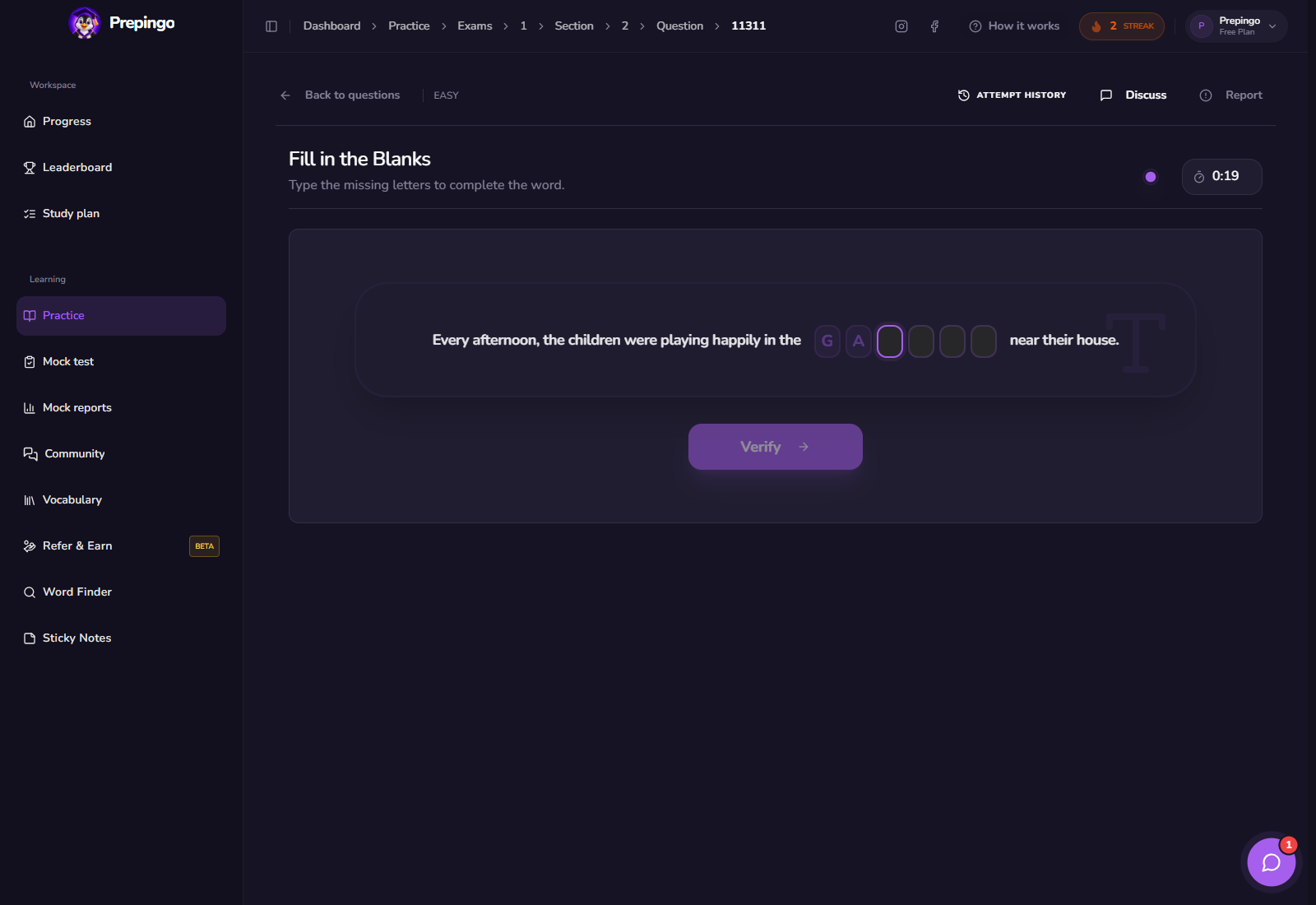
Prepingo presents the sentence and incomplete word in a compact timed card, then verifies the completion immediately so you can distinguish vocabulary gaps from rushed spelling.
Try Fill in the Blanks now
Open the real practice bank, choose a difficulty, complete one attempt, and use the result to decide exactly what to practise next.
Open Fill in the Blanks practice →How to find this question in Prepingo
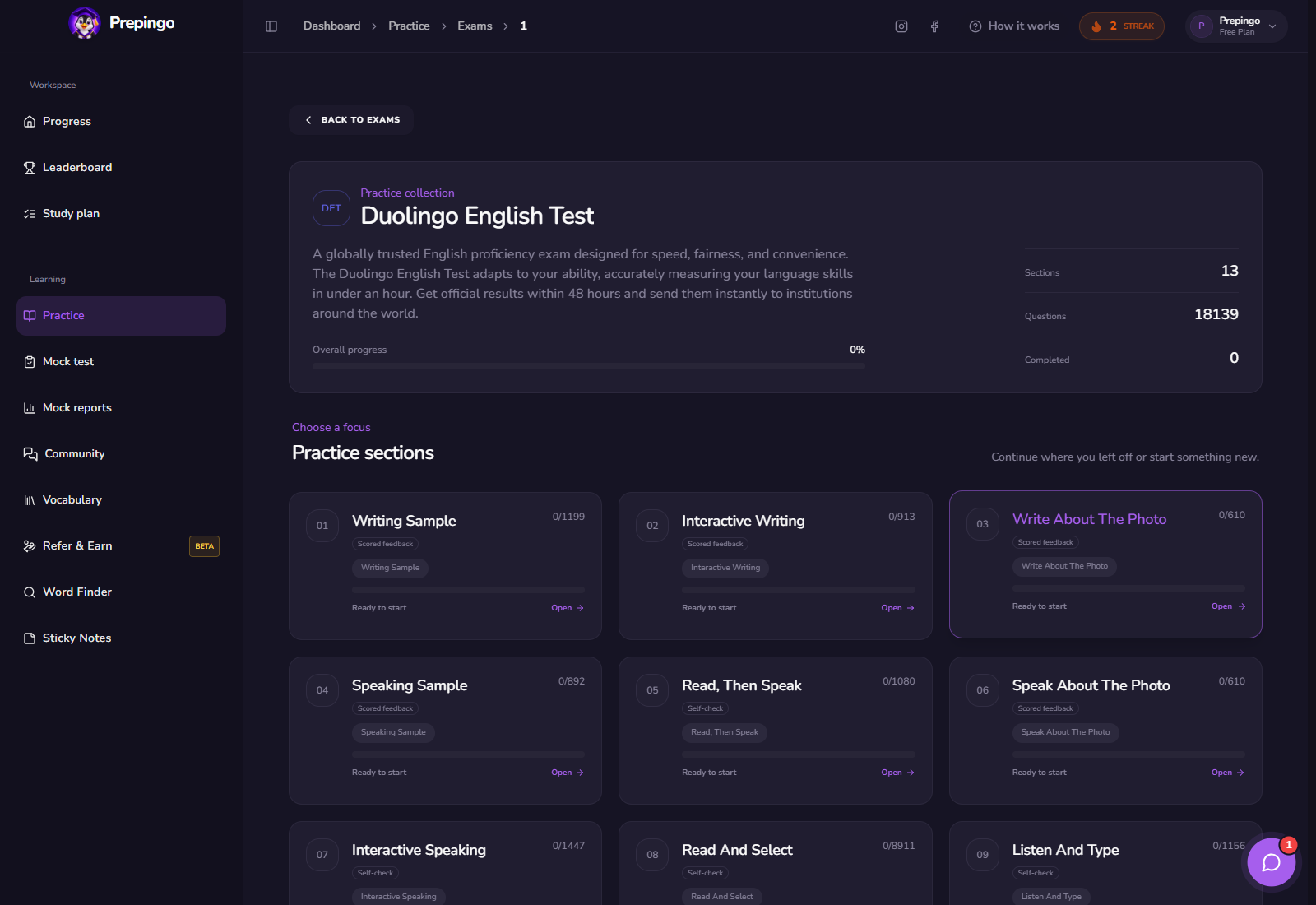
- Sign in to Prepingo and select Practice in the left navigation.
- Open the Duolingo English Test exam and find Fill in the Blanks.
- Choose a question from the section page. You can filter the question bank and return later to practise another item.
- Read the task instructions before starting the timer. Use Attempt History after submission to compare your work over time.
What the Fill in the Blanks workspace looks like
The complete sentence surrounds the damaged word, with surviving letters displayed inside the input. The Verify action checks the reconstructed word without distracting from the context.
Step-by-step: complete one useful attempt
- Read past the blank to understand the complete sentence.
- Identify the grammatical role required: noun, verb, adjective, or adverb.
- Use collocation and meaning to predict a candidate word.
- Check that the visible letters and required ending match your candidate.
- Verify, then review why an incorrect alternative failed.
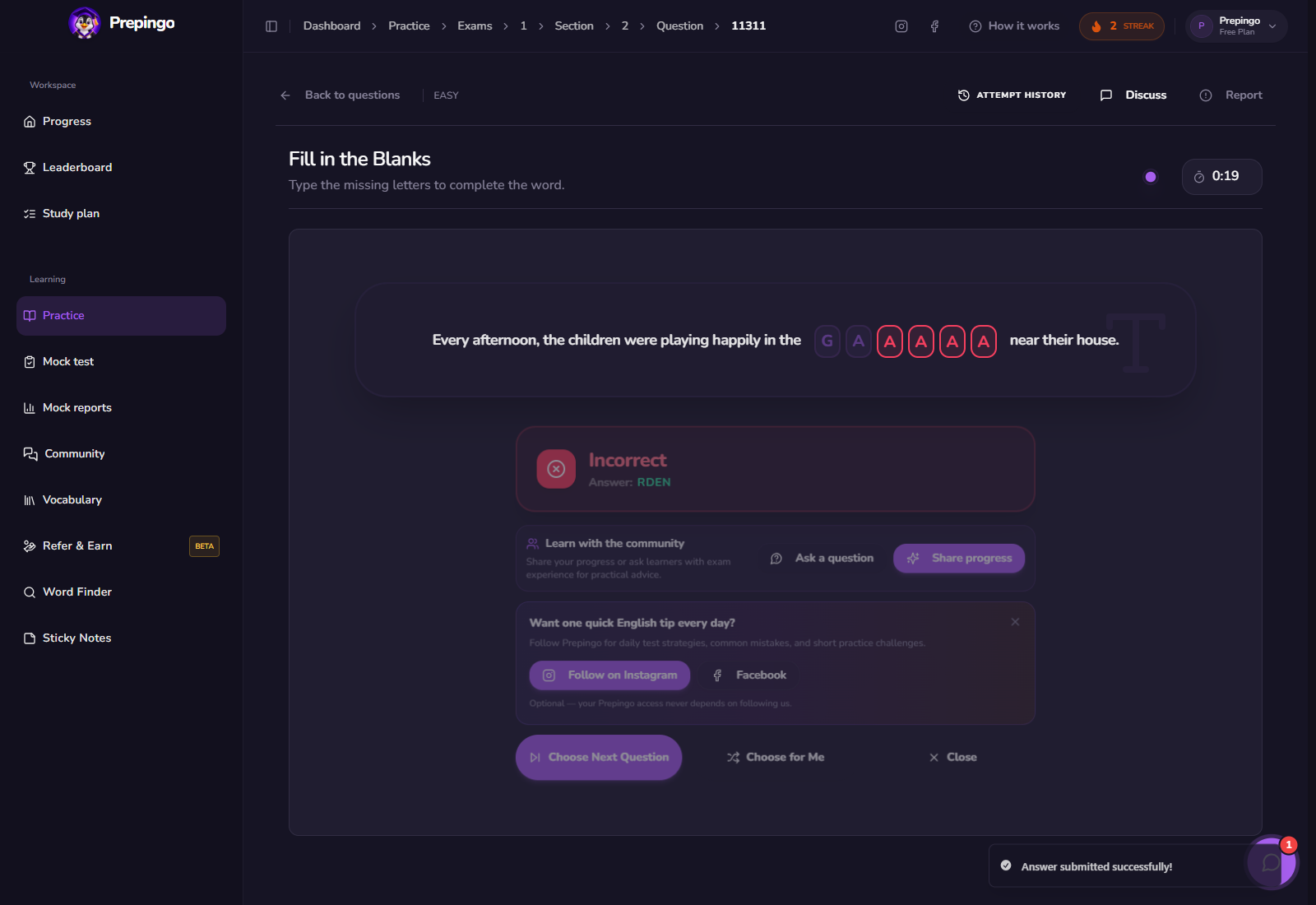
See the answer stage before submitting
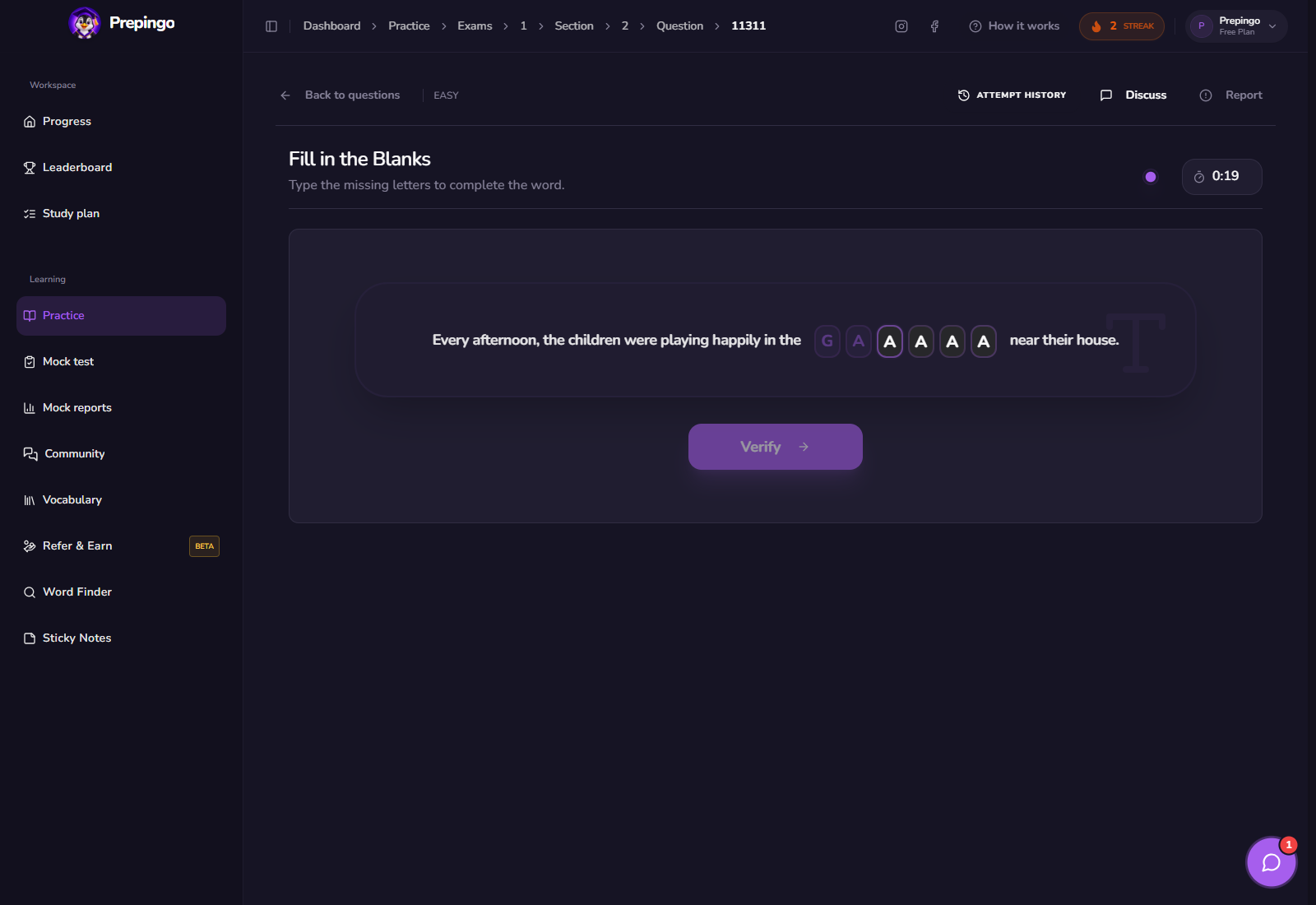
These screens show what the learner actually enters or records. Use them to understand the natural order of the task before you practise under time pressure.
The strategy to practise—not a memorized trick
Context narrows meaning while grammar narrows form. Strong answers satisfy both constraints.
- Look for article, tense, number, and preposition clues.
- Say the completed sentence silently to test whether the phrase sounds natural.
- Check doubled consonants and common suffixes before verifying.
- Study incorrect words as part of their full phrase, not in isolation.
Do not solve the damaged word alone; solve the sentence around it.
How scoring and feedback work in Prepingo
Immediate verification tells you whether the reconstructed form is accepted. When wrong, write down the full sentence and identify whether meaning, grammar, or spelling caused the error.
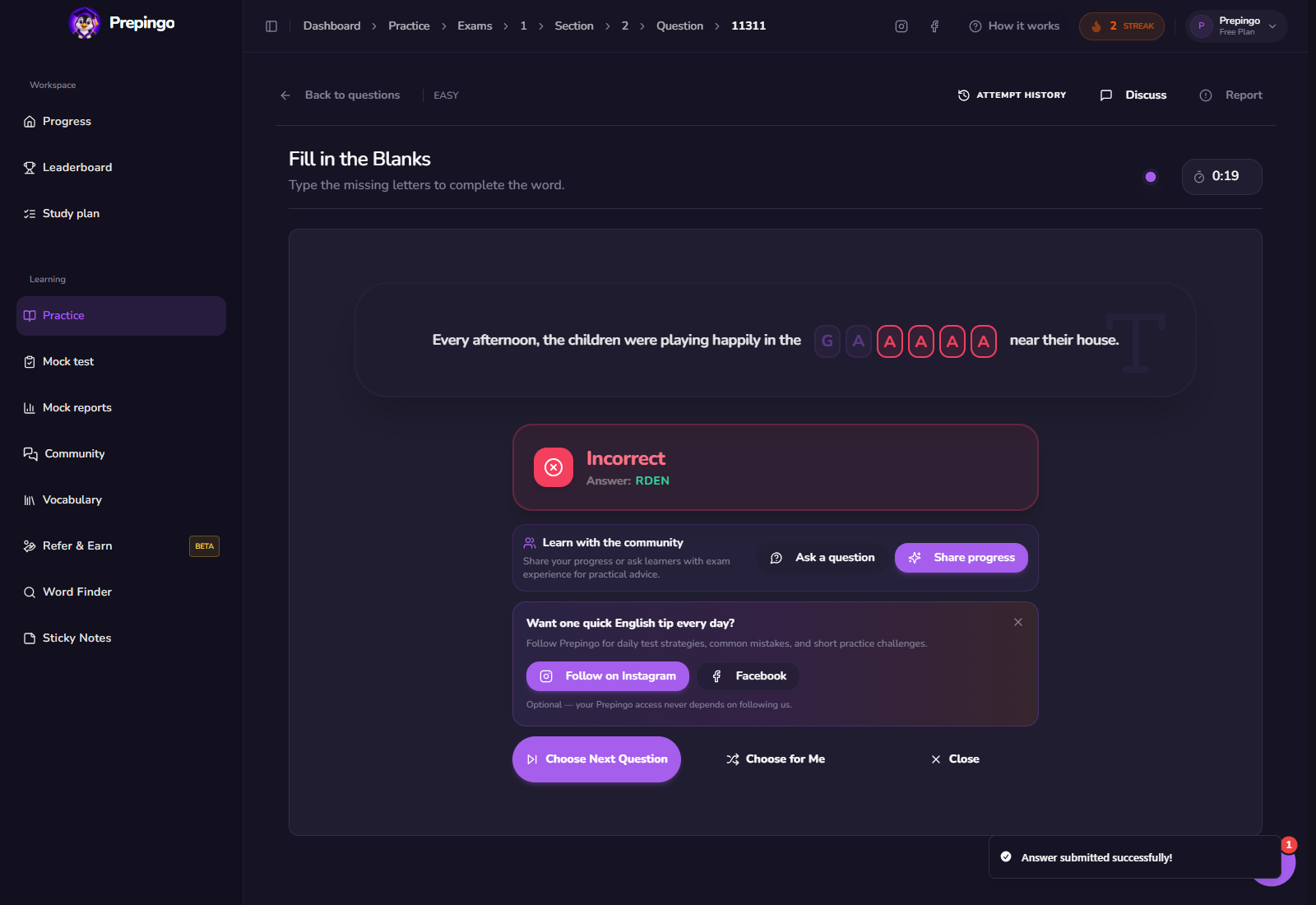
Use Attempt History to prove you are improving
One score is only a snapshot. Open Attempt History above the question to review previous answers, scores, and feedback. Compare the same error category across several attempts: spelling, response development, vocabulary range, pronunciation, comprehension, or time management. Your target is not simply “more questions”; it is fewer repeated mistakes.
Common mistakes to eliminate
- Guessing from the first letter without reading the sentence.
- Choosing the correct root with the wrong grammatical ending.
- Ignoring common collocations.
- Typing too quickly to notice doubled or omitted letters.
Your next 15-minute practice session
- Complete ten short items.
- Label each error meaning, grammar, or spelling.
- Create a phrase card for the three most useful missed words.
- Try five new items and deliberately check the grammatical form.
Format note: Prepingo is an independent practice platform and is not endorsed by Duolingo. DET formats can change. Use the official DET readiness resources for current certified-test rules, then use Prepingo to build familiarity, repeat targeted skills, and obtain practice feedback.
Turn this guide into an actual attempt
Reading a strategy feels productive. Completing one timed question and reviewing the evidence is what changes your performance.
Practise Fill in the Blanks on Prepingo →