
Read and Select is a vocabulary decision under pressure: knowing when not to guess is part of the skill.
Prepingo turns each item into a focused yes-or-no decision with keyboard shortcuts, a visible countdown, and an immediate result so you can build vocabulary recognition without wasting time navigating.
Try Read and Select now
Open the real practice bank, choose a difficulty, complete one attempt, and use the result to decide exactly what to practise next.
Open Read and Select practice →How to find this question in Prepingo
- Sign in to Prepingo and select Practice in the left navigation.
- Open the Duolingo English Test exam and find Read and Select.
- Choose a question from the section page. You can filter the question bank and return later to practise another item.
- Read the task instructions before starting the timer. Use Attempt History after submission to compare your work over time.
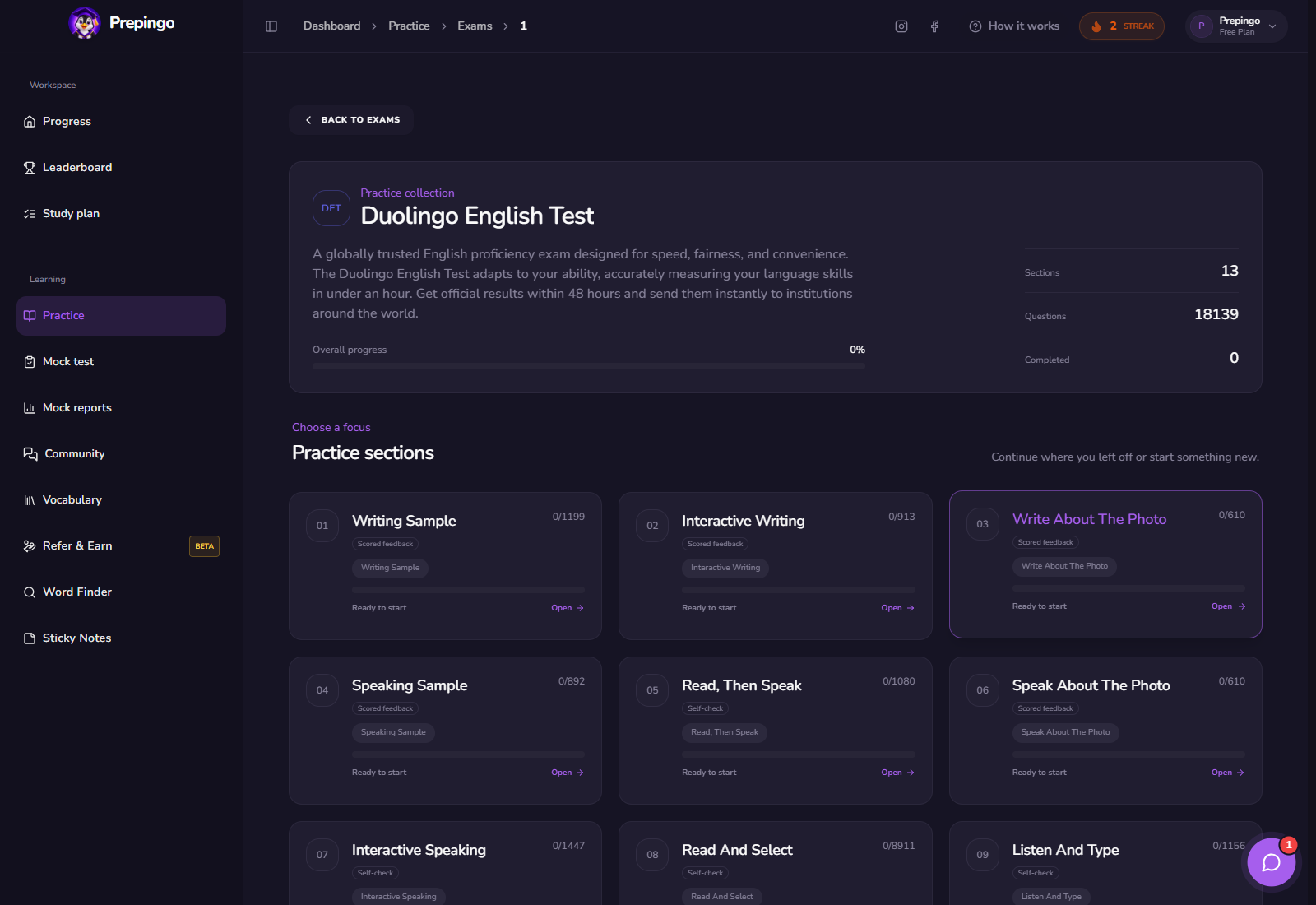
What the Read and Select workspace looks like
One candidate word appears at a time. Use Yes or the right arrow for a real English word and No or the left arrow for a nonword. The sparse layout keeps attention on spelling and word form.
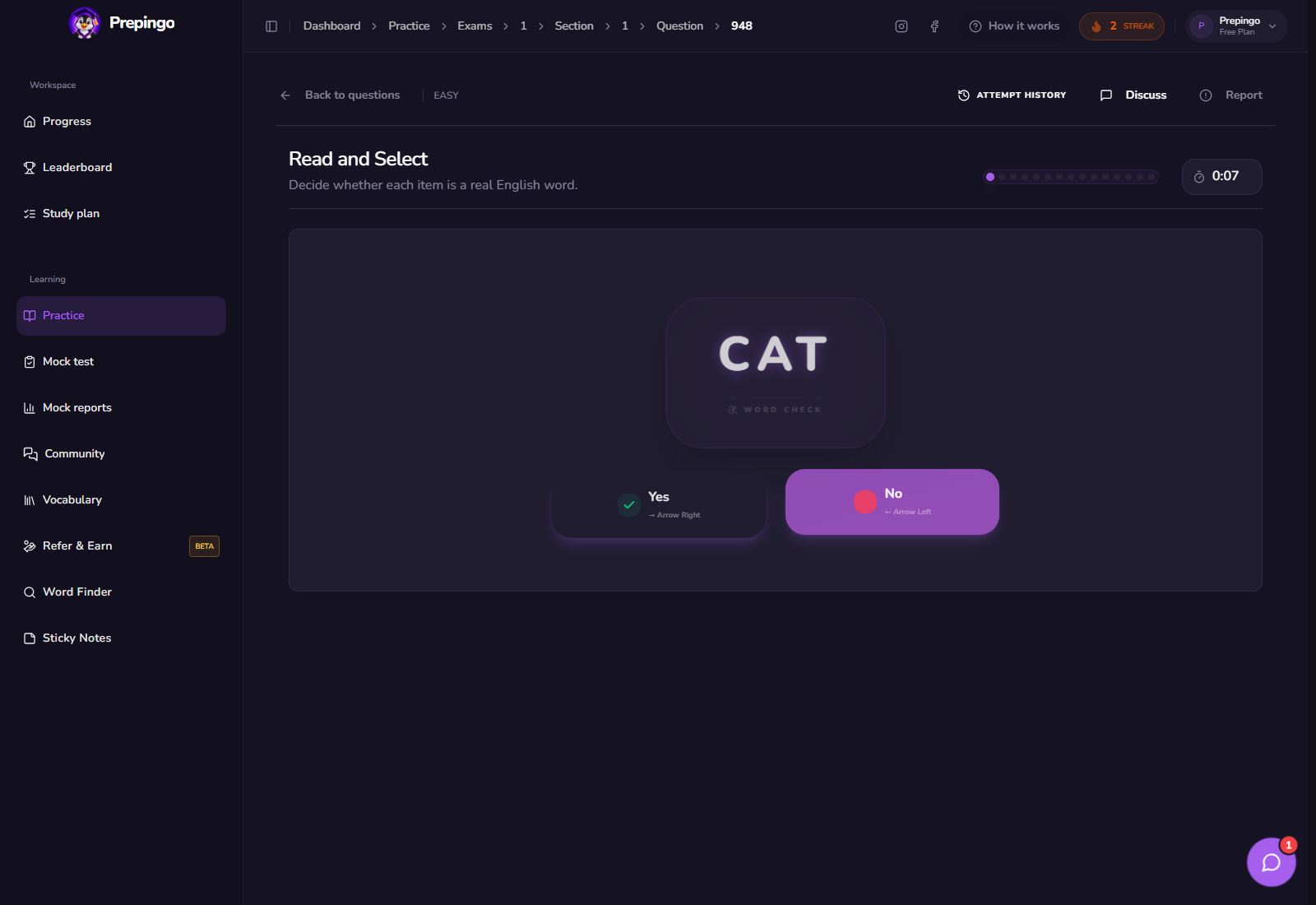
Step-by-step: complete one useful attempt
- Look at the whole spelling rather than the first familiar syllable.
- Ask whether you have seen the word used in a meaningful sentence.
- Check common English affixes and letter patterns quickly.
- Make the decision before the timer expires; do not search for a definition.
- Review incorrect items and record only genuine vocabulary worth learning.
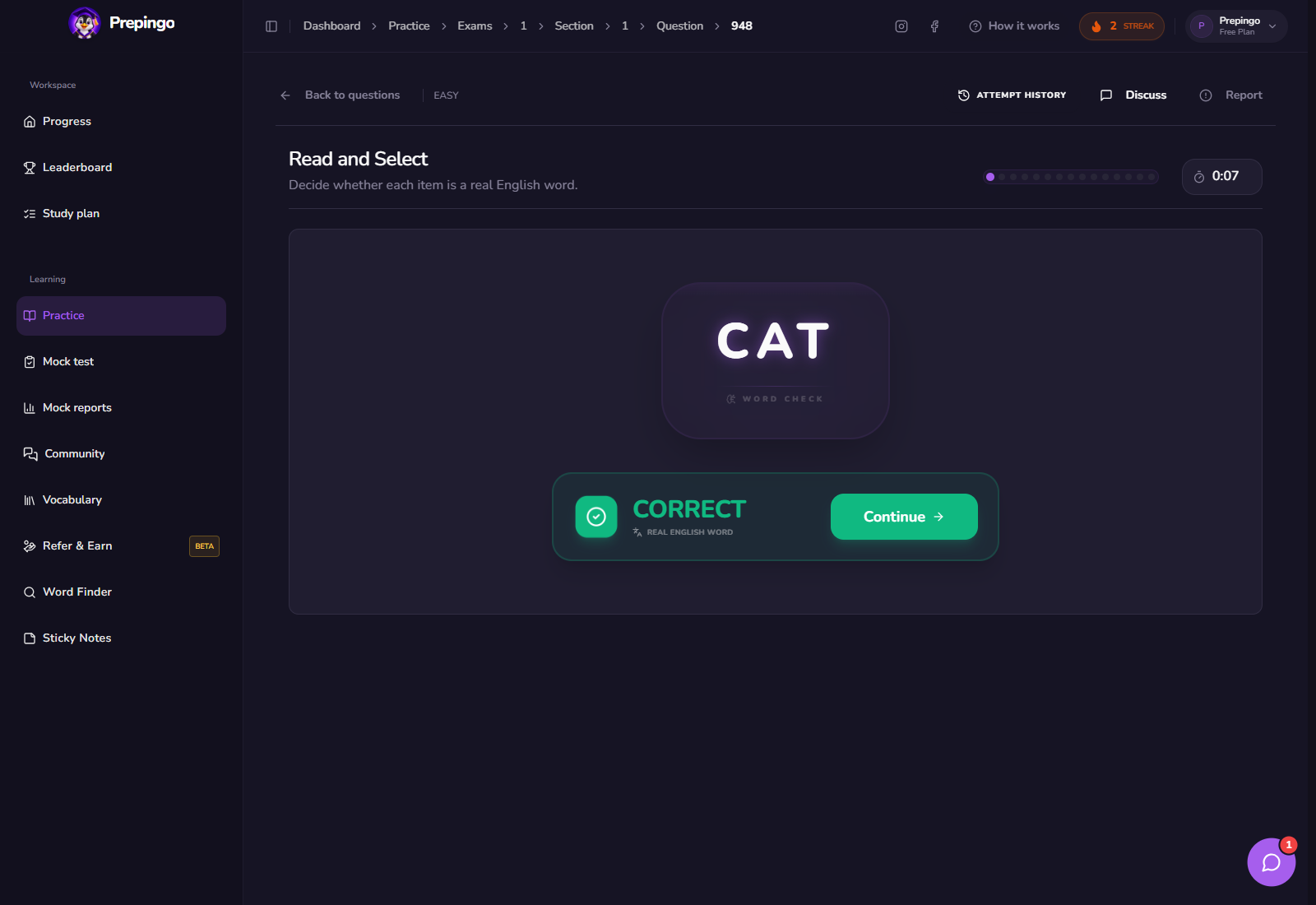
See the answer stage before submitting
These screens show what the learner actually enters or records. Use them to understand the natural order of the task before you practise under time pressure.
The strategy to practise—not a memorized trick
Recognition should become automatic. Repeated exposure in reading is more reliable than memorizing lists of suspicious-looking words.
- Notice legal prefixes, suffixes, and root combinations.
- Be cautious when a fake word differs from a real word by one letter.
- Do not select a word merely because it is pronounceable.
- Use the keyboard so the physical decision becomes fast and consistent.
Choose “Yes” because you recognize real usage, not because the spelling looks English-like.
How scoring and feedback work in Prepingo
Prepingo records whether the choice was correct and adds the attempt to your progress. Group mistakes into unknown real words and convincing nonwords; the two categories require different study.
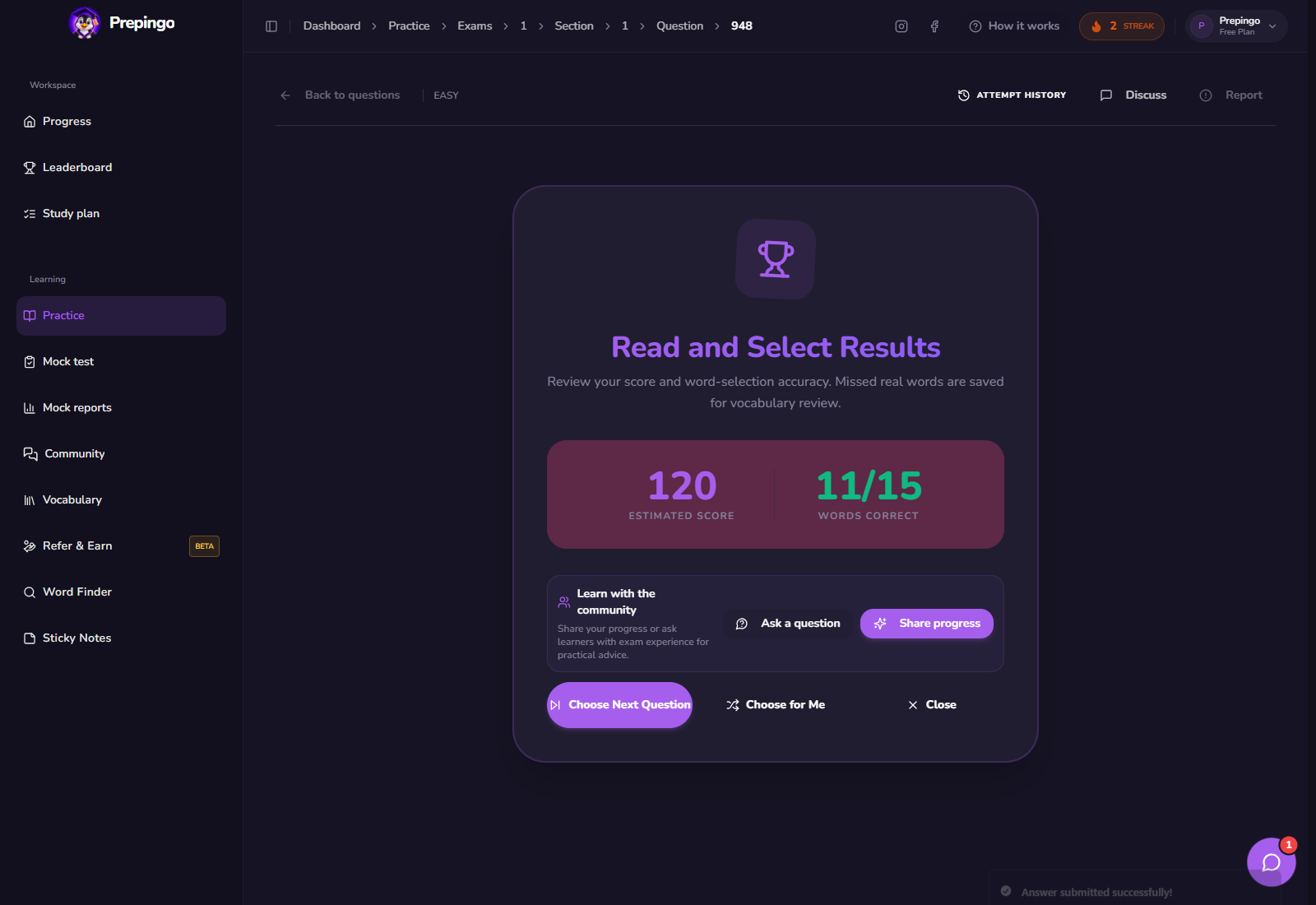
Use Attempt History to prove you are improving
One score is only a snapshot. Open Attempt History above the question to review previous answers, scores, and feedback. Compare the same error category across several attempts: spelling, response development, vocabulary range, pronunciation, comprehension, or time management. Your target is not simply “more questions”; it is fewer repeated mistakes.
Common mistakes to eliminate
- Treating every pronounceable string as a word.
- Confusing a familiar brand or name with general English vocabulary.
- Overanalyzing until the timer ends.
- Memorizing isolated definitions without reading the word in context.
Your next 15-minute practice session
- Complete a rapid set of words.
- Separate false positives from missed real words.
- Create one natural sentence for each missed real word.
- Repeat a fresh set and aim for controlled speed, not random speed.
Format note: Prepingo is an independent practice platform and is not endorsed by Duolingo. DET formats can change. Use the official DET readiness resources for current certified-test rules, then use Prepingo to build familiarity, repeat targeted skills, and obtain practice feedback.
Turn this guide into an actual attempt
Reading a strategy feels productive. Completing one timed question and reviewing the evidence is what changes your performance.
Practise Read and Select on Prepingo →