
A useful photo response guides the listener through the scene; it does not race through a list of nouns.
Prepingo combines a large visual, timed recording controls, secure audio handling, and AI-assisted feedback so you can improve observation, fluency, and descriptive precision together.
Try Speak About the Photo now
Open the real practice bank, choose a difficulty, complete one attempt, and use the result to decide exactly what to practise next.
Open Speak About the Photo practice →How to find this question in Prepingo
- Sign in to Prepingo and select Practice in the left navigation.
- Open the Duolingo English Test exam and find Speak About the Photo.
- Choose a question from the section page. You can filter the question bank and return later to practise another item.
- Read the task instructions before starting the timer. Use Attempt History after submission to compare your work over time.
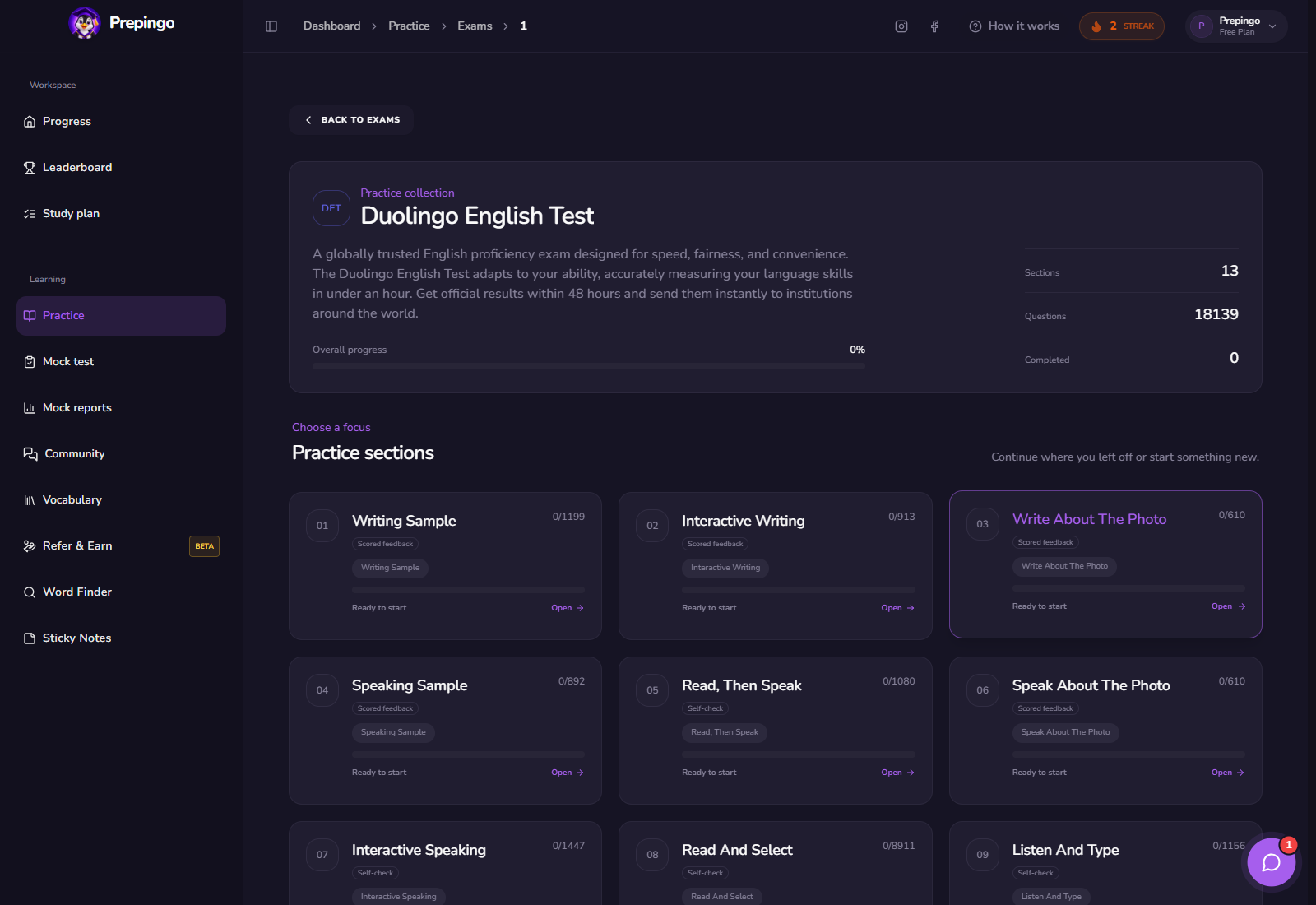
What the Speak About the Photo workspace looks like
The photograph is kept large enough to inspect while the prompt and recording controls stay close. This reduces unnecessary navigation once the timed attempt begins.
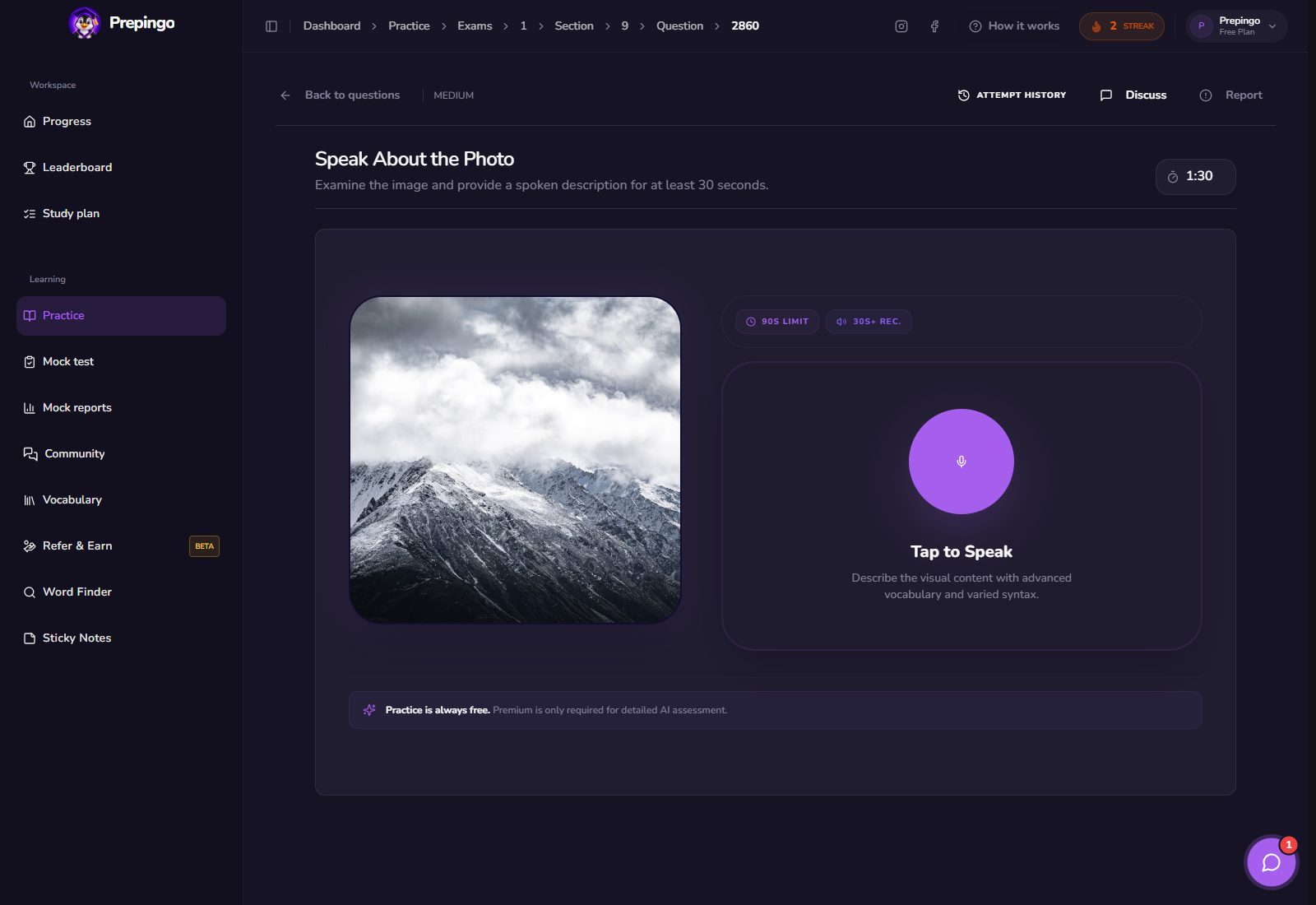
Step-by-step: complete one useful attempt
- Identify the location, central subject, and action before recording.
- Open with one sentence describing the complete scene.
- Move through details in a stable order such as foreground to background.
- Add atmosphere or a cautious interpretation only after describing visible evidence.
- Submit and compare the transcript or feedback with what you intended to say.
See the answer stage before submitting
These screens show what the learner actually enters or records. Use them to understand the natural order of the task before you practise under time pressure.
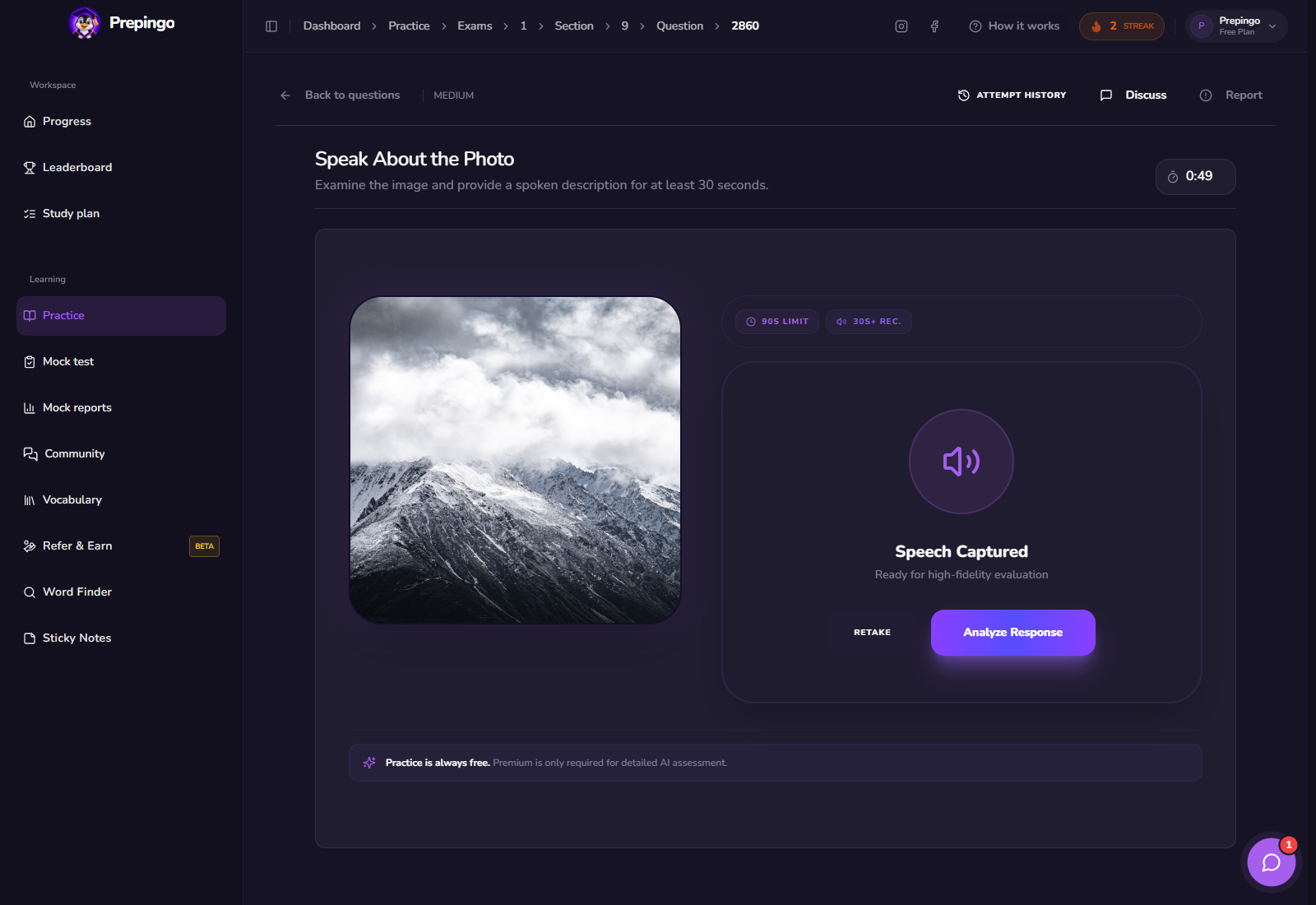
The strategy to practise—not a memorized trick
Use the visual as a speaking outline. Spatial order prevents long pauses because the next detail is already visible.
- Name the main action with a precise verb.
- Use location phrases to connect details.
- Vary descriptive language without inventing facts.
- Keep a steady, understandable pace and finish complete clauses.
If a listener could sketch the basic scene from your words, your description is doing its job.
How scoring and feedback work in Prepingo
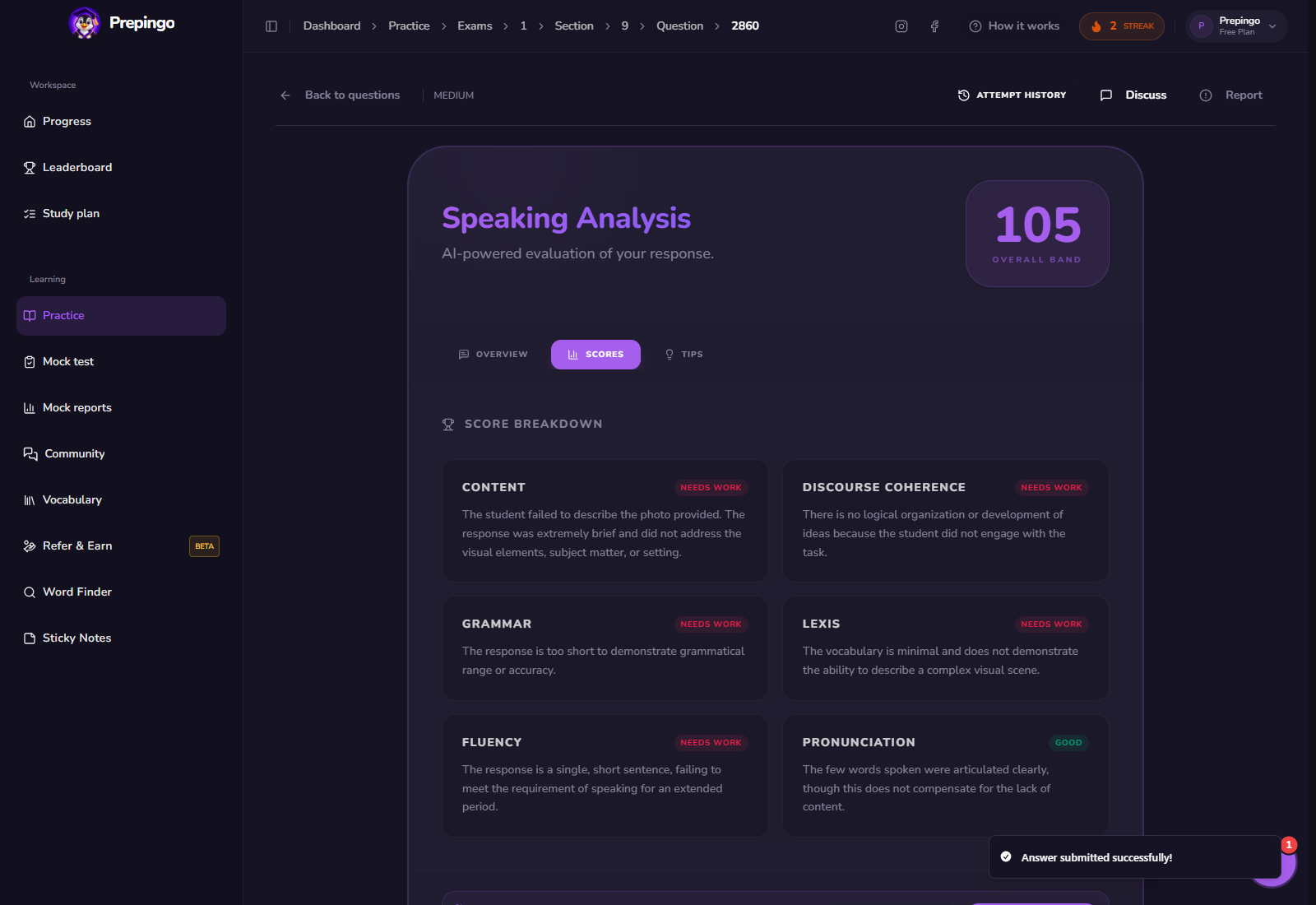
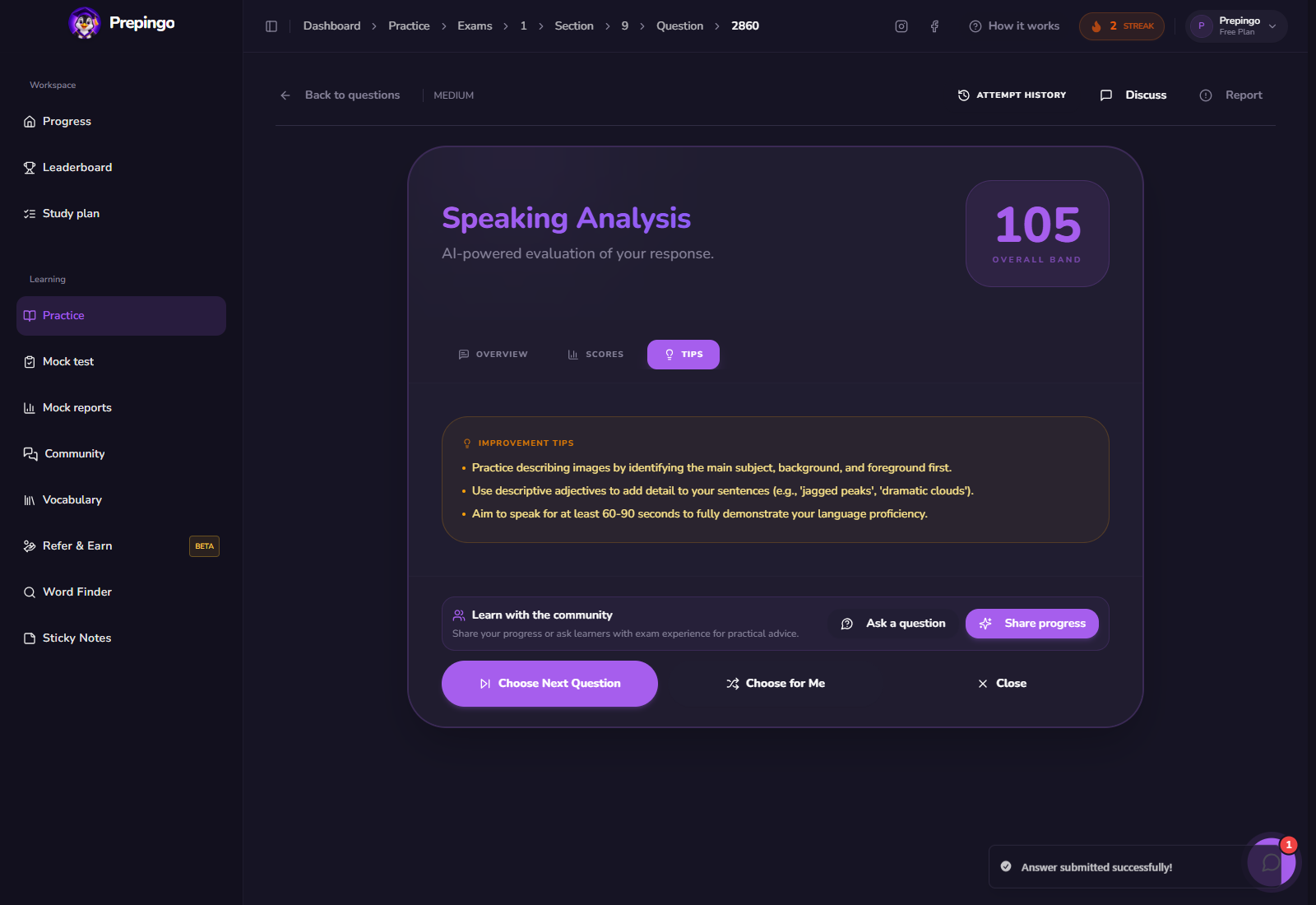
Prepingo’s speaking feedback helps identify issues in relevance, fluency, vocabulary, grammar, and intelligibility. Replay your audio and check whether the automatic feedback matches a moment you can hear yourself.
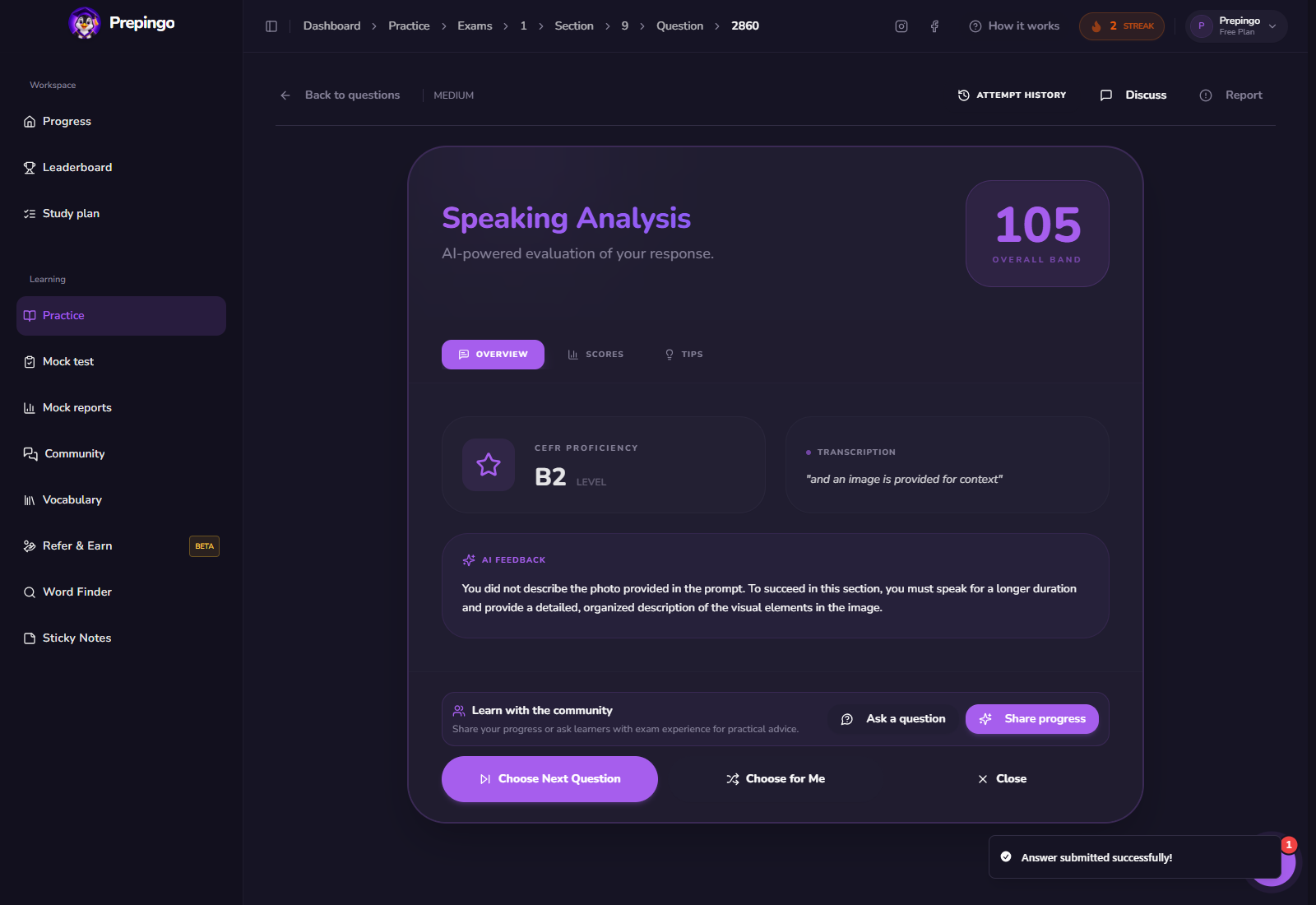
Use Attempt History to prove you are improving
One score is only a snapshot. Open Attempt History above the question to review previous answers, scores, and feedback. Compare the same error category across several attempts: spelling, response development, vocabulary range, pronunciation, comprehension, or time management. Your target is not simply “more questions”; it is fewer repeated mistakes.
Common mistakes to eliminate
- Starting with tiny details and never giving an overview.
- Guessing emotions or relationships as facts.
- Repeating the same adjective for every object.
- Speaking so fast that word endings disappear.
Your next 15-minute practice session
- Record one full description.
- Replay it and count repeated words or long pauses.
- Describe the same photo again using a consistent spatial order.
- Save one pronunciation or vocabulary target for tomorrow.
Format note: Prepingo is an independent practice platform and is not endorsed by Duolingo. DET formats can change. Use the official DET readiness resources for current certified-test rules, then use Prepingo to build familiarity, repeat targeted skills, and obtain practice feedback.
Turn this guide into an actual attempt
Reading a strategy feels productive. Completing one timed question and reviewing the evidence is what changes your performance.
Practise Speak About the Photo on Prepingo →